
How to Tell If Your Website Has Been Hacked (and What to Do Next)
5 Signs Your Website Might Already Be Compromised
Ilie Lucian - Founder & CyberSecurity Engineer, Videographer, Web Designer, SEO
6/23/20261 min read

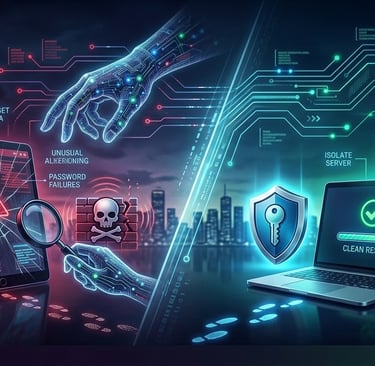
Many business owners don’t realise their site has been hacked until it’s too late—often when customers complain or Google blocks access.
Here are 5 early warning signs that your website might already be compromised:
1. Unusual Login Attempts
If you see failed logins from unknown IP addresses, or if your admin shows accounts you didn’t create, someone might be trying to break in.
2. Strange Files or Code
Unexpected files in your hosting directory or unfamiliar code in your WordPress editor often point to malware injections.
3. Website Redirects
If your homepage redirects to spam or shady sites—even for a second—it’s a sign your .htaccess file or core files have been altered.
4. Google Blacklist Warning
Google displays a “This site may be hacked” warning in search results. This damages your traffic and trust instantly.
5. Sudden Performance Drop
A slow or crashing website can be caused by hidden scripts running in the background (crypto miners or botnets).
What to Do Immediately:
Take your site offline (maintenance mode) to prevent further damage.
Scan your website with a security tool (e.g., Wazuh, Wordfence).
Restore from a clean backup if available.
Change all passwords (hosting, FTP, CMS, database).
Call a professional – if in doubt, get expert help.
🛡️ Need help?
We offer cybersecurity audits, cleanup, and ongoing monitoring for websites and business infrastructure.
👉 Visit 1cyber.eu or send us a message to schedule a free consultation.
1Cyber Agency
Easy build a website for your business
© 2026 1Cyber Agency-Hardened code and flat-rate packages.
ZERO-TRUST DIGITAL DEPLOYMENTS